The OpenCode "Dual-Pipeline" Architecture
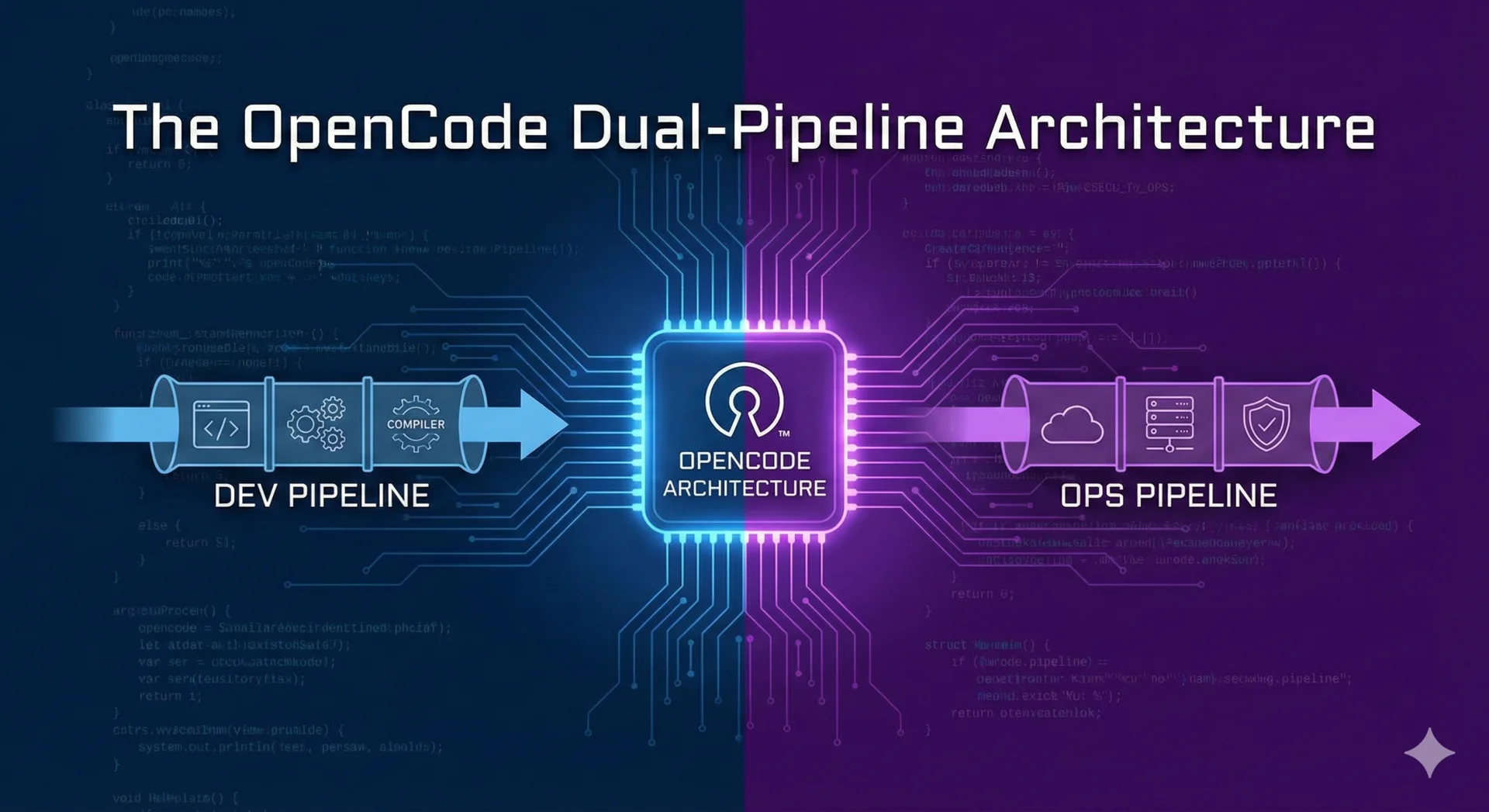
Let's be honest: most AI coding setups are a mess. One day you are using a cheap model that can't even close a bracket, and the next you're using a premium orchestrator that burns $10 in tokens just to fix a "hello world" typo. It's frustrating as hell, right?
I got tired of the "Context Fatigue" and the bill at the end of the month, so I came up with what I call the Dual-Pipeline Architecture. It's basically a way to turn yourself into a one-man agency without going broke.
Note
This setup is production-grade. It's meant for people who actually build stuff, not just prompt-jockeys.
Why This Setup Rocks
The core idea is a Hierarchical Mixture of Experts. Instead of asking one "smart" model to do everything, we load-balance the work.
Dual Orchestrators (The "Manager" Layer):
- manager-opencode (COO):
The workhorse. Runs on cheap, fast models (like GLM). It handles 80% of the routine coding and operations.
- manager-gemini (CTO):
The big brain. Only called for high-stakes architecture or when things get really weird. It plans, then delegates the typing to the "juniors."
Specialized Departments:
We don't use a generic assistant. We split the brains:
- The Dev Team:
- @architect-core: Designs the systems.
- @builder-fast: Types code at light speed.
- @qa-hawk: Audits everything with a nasty personality to find bugs.
- The Business Team:
- @biz-strategist: Decides if what you're building actually makes money.
- @creative-lead: Handles the copy so it doesn't sound like a robot wrote it.
Manual Setup Instructions
If you're like me and prefer to do things by hand instead of running a magic script, here's how you get this running.
- Prerequisites:
- Node.js & NPM (obviously).
- uv installed (it makes ast-grep way faster).
- The OpenCode CLI (npm i -g opencode-ai).
Configuration:
First, create your config folder:
mkdir -p ~/.config/opencode
Then, set up your base config.json to handle authentication:
{
  "$schema": "https://opencode.ai/config.json",
  "plugin": ["opencode-gemini-auth@latest"]
}
Shell Alias:
Don't waste time typing long commands. Add this to your .bashrc or .zshrc:
alias opencode='npx opencode-ai@latest'
Tip
Keep your context clean! I explicitly disable heavy tools like Puppeteer or SQLite globally and only enable them for the specific agents that need them. Your wallet will thank you.
Usage Examples
- Routine Work:
- $ opencode > @manager-opencode create a simple landing page.
- Complex Architecture:
- $ opencode > @manager-gemini I need to refactor the auth system. Ask @architect-core for a plan first.
What do you think? This setup changed the game for me. It’s fast, it’s organized, and it’s significantly cheaper than just throwing GPT-4 at every problem.